Real-ESRGAN 4× image upscaler
Sharpen and upscale any image by 4× in seconds using RealESRGAN_x4plus with zero diffusion hallucinations.
Collected by Comfy-Org, added Nov 28, 2026
Drag to pan, scroll to zoom, double-click to fit. 7 nodes, 7 links, 7 KB.
What it does
A lightweight, single-pass GAN upscaler using RealESRGAN_x4plus. Unlike diffusion upscalers, it preserves exact facial features, text, and composition without re-imagining details.
Runs in seconds even on low-VRAM GPUs and uses only core ComfyUI nodes.
What you provide
- Source image
- Any photo, render, or generated image you want enlarged 4×.
Good for
- Fast, faithful 4× enlargement without altering faces or composition
- Cleaning up JPEG compression and soft edges
- Low-VRAM machines where tiled diffusion upscaling is too slow
Not for
- Inventing fine new textures from heavily blurred or tiny thumbnails
- Stylizing or re-lighting an image during upscaling
How to use it
- Download RealESRGAN_x4plus.safetensors into models/upscale_models.
- Drop the image you want to enlarge into Load Image.
- Queue to save the 4× upscaled result.
Set it up
Every custom node and model it needs, in one paste. Built from the workflow file, so it only lists what the graph actually uses.
# Real-ESRGAN 4× image upscaler
# Run from your ComfyUI folder. Needs comfy-cli (pip install comfy-cli) and ComfyUI-Manager.

# Models
comfy model download --url 'https://huggingface.co/Comfy-Org/Real-ESRGAN_repackaged/resolve/main/RealESRGAN_x4plus.safetensors' --relative-path 'models/upscale_models'

# The workflow itself: drag it into ComfyUI once it's downloaded
curl -L -o 'real-esrgan-4-image-upscaler.json' 'https://nodarium.app/download/gan-image-upscaler'
Paste into a terminal in your ComfyUI folder.
More like this

Flux.1 Fill outpaint
Extend the borders of any image seamlessly using Flux.1 Fill Dev, differential diffusion, and feathering.
by Comfy-Org in Image editing
14 nodes, 0 custom packs, 4 models, on Flux

Flux.1 Redux style & subject variation
Feed a reference image through SigLIP vision and Flux.1 Redux to generate consistent variations and style transfers.
by Comfy-Org in Characters and consistency
29 nodes, 0 custom packs, 6 models, on Flux
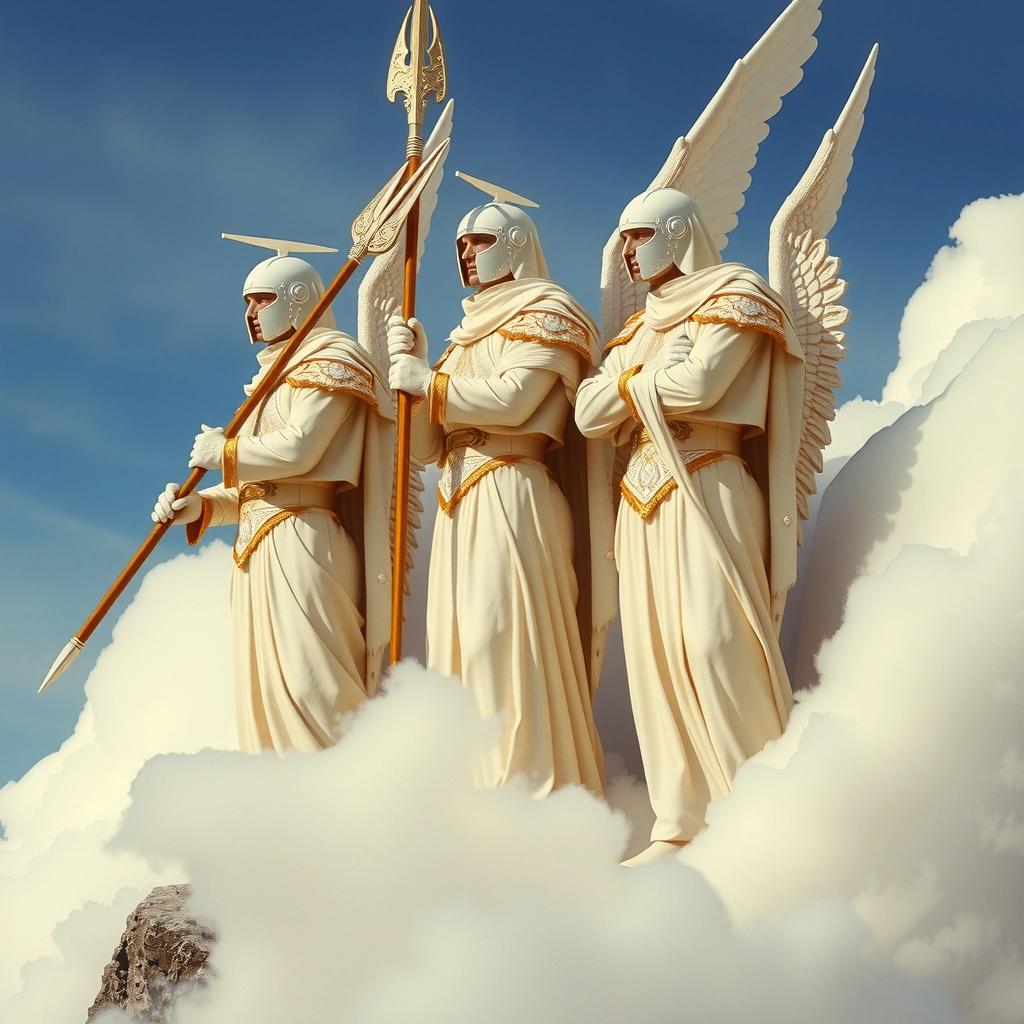
Flux.1 Schnell 4-step text to image
Generate clean 1024×1024 images from a text prompt in 4 steps using the all-in-one Flux.1 Schnell FP8 checkpoint.
by Comfy-Org in Text to image
9 nodes, 0 custom packs, 1 model, on Flux